Getting ready
GTA VI preload not working: the fixes
Preload opened on November 10, 2026. If yours failed, you are not behind. Almost every failed preload comes down to one of six known causes, and each one has a plain fix. Find your symptom below, read its cause, then do the fix. Work in order and you will be ready for launch on Thursday, November 19, 2026.
In a hurry? Read the quick version ↓Quick facts
- Preload opened
- November 10, 2026. PS5 at midnight local time; Xbox at 00:00 GMT.
- Rockstar size figure
- Up to 212 GB, from Rockstar Support's Pre-Load FAQ.
- Store readings
- About 223 GB on PS5 and about 225 GB on Xbox, reported November 10 to 11, 2026. These are store readings, not Rockstar figures.
- Space to free
- About 250 GB, so the download and install have working room.
- Refund rule
- On the PlayStation Store, starting the preload counts as starting the download, and that ends your right to cancel the pre-order for a refund.
Quick version
Six checks, in this order. Most preload failures are fixed by the first two.
- Timing and account. Has preload actually opened for your platform and time zone, and are you signed in with the account that bought the game? Boxed buyers: redeem the code first. Boxed copies went on sale November 12.
- Space. Free about 250 GB on the drive the game installs to.
- Queue. Nothing else should be downloading ahead of GTA VI. Pause or clear what is in front of it.
- Connection. Use a wired cable if you can, even if you normally play on Wi-Fi.
- Sleep settings. PS5: automatic downloads on, Rest Mode with stay-connected on. Xbox: automatic updates on, console in Sleep mode, not fully shut down.
- Licences. Restore licences on PS5, and set your main console (Console Sharing and Offline Play on PS5, Home Xbox on Xbox) so the game can prove you own it.
If you have not started a preload yet and just want the normal steps, use our Preload Guide instead. This page is for when something has already gone wrong.
One thing to hold on to before you start changing settings: a preloaded game that will not open is not broken. The files are meant to sit locked until launch. The problems on this page are about the download itself: it will not start, it stalls, it runs out of room, it stops when the console sleeps, or the console forgets that you own the game. Each section below is one symptom, its cause, and its fix.
No download button, or preload has not started for me
Cause
Preload timing is regional, and the two platforms use different clocks. Per Rockstar Support's Pre-Load FAQ, PS5 preload opens at midnight local time on November 10, meaning midnight in your own time zone. Xbox preload opens on November 10 at 00:00 GMT, a single worldwide moment, which is 6:00 PM Central on November 9. If you are checking before your platform's moment, there is simply no button yet. Two other quiet causes: you are signed in with a different account than the one that bought the game, so the store does not show you a download you own; or you bought the boxed copy, which contains a download code rather than a disc, and the code has not been redeemed yet. Boxed copies went on sale on November 12, so a boxed code cannot work before then.
Fix
Check the clock for your platform first. On PS5, wait for your own local midnight on November 10. On Xbox, work out what 00:00 GMT on November 10 is in your time zone. Then sign out and sign back in with the exact account that placed the preorder, and look for the game in your Library on PS5 or in My games & apps on Xbox rather than on the store page. Boxed buyers: redeem the code in the store first, then download from your library like everyone else.
Download stuck, paused, or crawling
Cause
Downloads are handled in a queue, one after another. If another game or update is ahead of GTA VI, your preload can sit at zero for hours while something else finishes. Wi-Fi makes it worse: a weak or busy wireless signal slows a download this size to a crawl. And if the console fully sleeps or is switched off mid-download without the right power settings, the download pauses and waits.
Fix
Open the queue. On PS5, press the PS button and open Downloads/Uploads. On Xbox, open My games & apps, then Manage, then Queue. Pause GTA VI, resume it, and pause or cancel anything downloading ahead of it. Connect the console with a wired cable if you possibly can. If the number has not moved at all after that, restart the console once, fully, and start the download again from your library. Then leave it alone. A download of this size that is moving, even slowly, is working. Checking it every ten minutes does not speed it up.
Not enough space
Cause
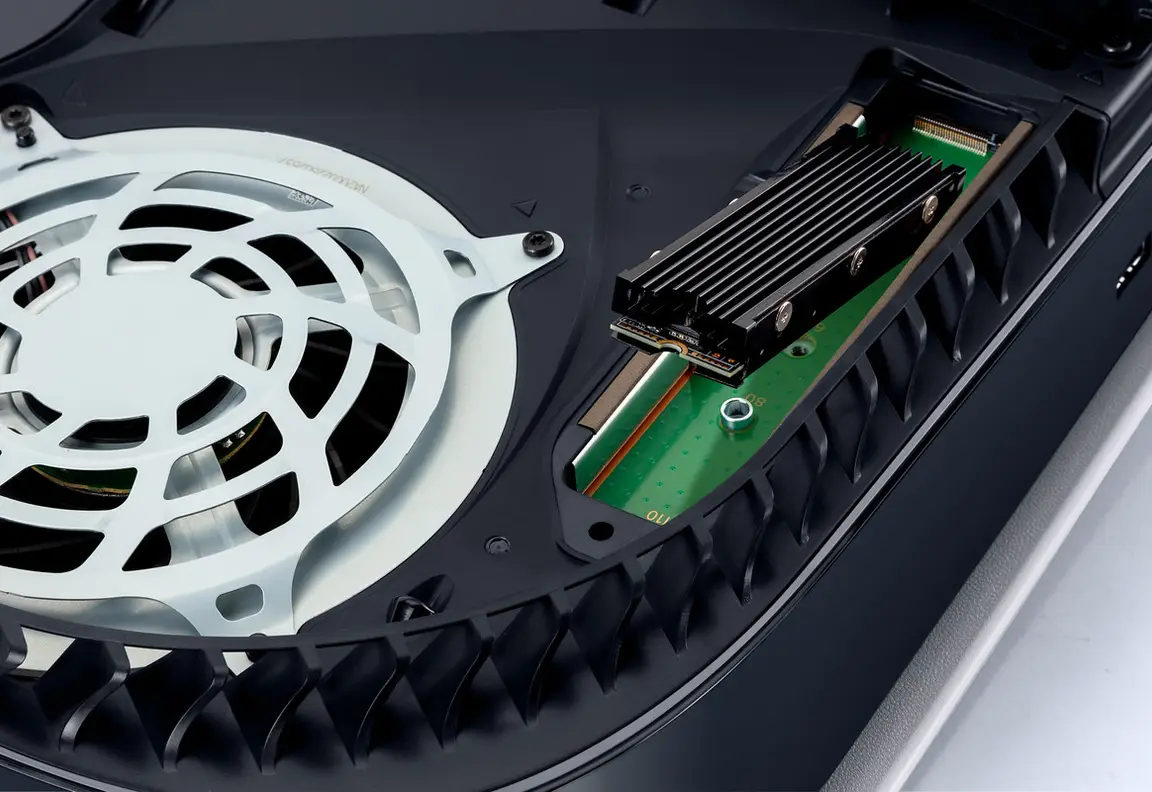
The game is bigger than the ceiling Rockstar gave the stores. Here are the numbers, labelled by where they come from, because they are not the same kind of fact. Rockstar's official figure, from Rockstar Support's Pre-Load FAQ updated November 3, 2026, is up to 212 GB. Store readings reported on November 10 and 11, 2026 put the actual PS5 package at about 223 GB (a PlayStation Network manifest reading reported by VideoCardz, and a PlayGo reading reported by VGTimes) and the Xbox package at about 225 GB (a store reading of 209.86 GiB, which is about 225 GB). Those store readings are not Rockstar figures. They are what the stores themselves reported once preload opened, and they explain why a console with 212 GB free can still refuse the download.
Fix
Free about 250 GB on the drive the game will install to. That covers the largest reading plus the working room a console needs while it unpacks and installs. Delete or move large game installs first, since they can always be downloaded again. Do not delete save data, which is small and cannot be replaced. Our Storage & Setup Guide walks through your expansion options on both consoles, and its download-time calculator shows how long a download this size takes at your connection speed, so you know whether you are looking at an evening or a full day.
Download stops when the console is off
Cause
This one comes straight from Rockstar Support's Pre-Load FAQ. A console that is fully off cannot download anything. Downloads continue only in the low-power states, and only when the matching settings are switched on. On PS5, automatic downloads must be enabled and the console left on or in Rest Mode with the stay-connected option on. On Xbox, automatic updates must be enabled and the console left on or in Sleep mode.
Fix
On PS5: go to Settings, then Saved Data and Game/App Settings, then Automatic Updates, and turn automatic downloads on. Then go to Settings, then System, then Power Saving, then Features Available in Rest Mode, and turn on the option to stay connected to the internet. When you stop playing, choose Rest Mode, not Turn Off. On Xbox: go to Settings, then General, then Power options, and choose the Sleep option instead of Shutdown. Make sure automatic updates are enabled in your update settings. Then leave the console plugged in and asleep, and tell everyone in the house not to switch it off at the wall until the download finishes.
Installed but will not open, or licence errors
Cause
Before launch, a preloaded game refusing to open is normal: it is locked by design. Licence errors are different. A licence is the console's proof that your account owns the game. If that proof cannot be checked, because you are signed in with the wrong account or the licence record needs refreshing, the console can refuse a game you genuinely bought. This matters most on launch night, when licence servers are at their busiest.
Fix
Sign in with the account that bought the game. On PS5, restore your licences: go to Settings, then Users and Accounts, then Other, then Restore Licences, and let it finish. Then make this PS5 your main console: in Settings, then Users and Accounts, then Other, turn on Console Sharing and Offline Play. On Xbox, set this console as your Home Xbox in your personalisation settings. Doing this now means the game can start on your own console even if licence servers are busy on launch night, because the proof of ownership already lives on the machine.
Note
Restoring licences and setting a main console do not delete anything and do not affect your save data. They only refresh the console's record of what your account owns.
Thinking of cancelling the preorder instead
Cause
Some preload problems make people want their money back instead of a fix. If that is you, the timing matters more than the problem, at least on PlayStation. The rule below is from Sony's official PlayStation Store cancellation policy.
Fix
Under the PlayStation Store cancellation policy, you can cancel a pre-order for a refund only if you have not started downloading the main part of the product, and pre-loading counts as starting the download. Once the preload starts, refunds are off the table unless the product is faulty. So decide before the download starts. If you are still making up your mind, turn automatic downloads off, so nothing begins on its own and your choice stays open. If your download has not started and you do want to cancel, do it through your PlayStation account's transaction history or PlayStation Support, not by deleting anything from the console.
Run the checks in order
Tick each check as you finish it. Your ticks are saved on this device, so you can leave and come back.
Steps done:
Space: at least 250 GB free
Check the drive the game installs to and free about 250 GB.
Right account signed in
You are signed in with the account that bought the game, and boxed codes are redeemed.
Sleep downloads set
Automatic downloads or updates are on, and the console will sit in Rest Mode on PS5 or Sleep mode on Xbox.
Queue clear and wired
Nothing is downloading ahead of GTA VI, and the console is on a wired connection if possible.
Licences restored, main console set
Licences are restored on PS5, and Console Sharing and Offline Play or Home Xbox is set on this console.
Download confirmed complete
The queue shows the download finished, with nothing paused or waiting ahead of it.
Launch night: this page keeps working
The same family of failures comes back on Thursday, November 19, 2026, wearing different clothes. On launch night the stuck download is usually the day-one patch, and the licence error is a busy licence server meeting millions of consoles at once. The fixes are the ones on this page: clear the queue, stay wired, restore licences, and have your main console set before the rush. This page will carry launch-night fixes as they are verified, so bookmark it if your preload gave you trouble. For the moment the doors open in your time zone, see the unlock times in our Launch Hub.
Sources
- Rockstar Games Support, Grand Theft Auto VI Pre-Load FAQ (updated November 3, 2026). Source for the preload opening times, the up to 212 GB size figure, and the Rest Mode and Sleep mode download requirements: support.rockstargames.com
- PlayStation Support, help for troubleshooting downloaded games and for setting up automatic downloads. Source for the Restore Licences path and PS5 download settings: playstation.com/support
- PlayStation Store cancellation policy, PlayStation legal pages. Source for the rule that a pre-order refund ends once downloading, including pre-loading, has started: playstation.com/legal
- Xbox Support, help for troubleshooting game installation. Source for the queue, Home Xbox and installation checks: support.xbox.com
- Store size readings reported November 10 to 11, 2026: PS5 about 223 GB (PlayStation Network manifest reading via VideoCardz; PlayGo reading via VGTimes) and Xbox about 225 GB (209.86 GiB store reading). These are store readings, not Rockstar figures.
Related guides
Storage & Setup Guide
Make room for a 212 GB install and understand your PS5 and Xbox expansion options.
Read the guide →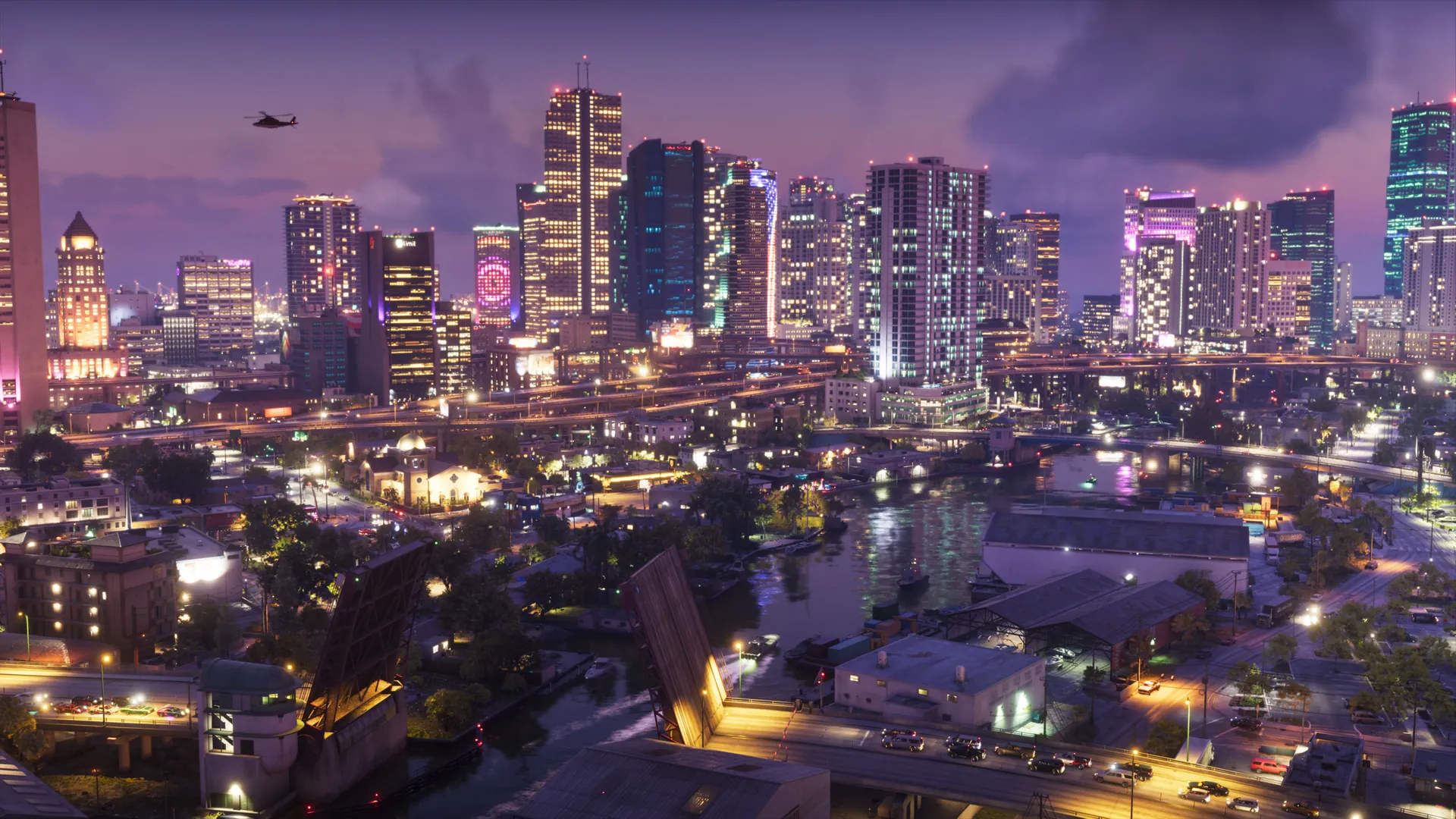
Launch Hub
Everything confirmed about launch day, the setting, and the places of Leonida.
Read the guide →