Performance
GTA VI at 30 FPS: what it means, explained
On November 10, 2026, in the same post that opened the preload, Rockstar printed the first frame-rate target for Grand Theft Auto VI: 30 frames per second, on every console, with no 60 FPS mode announced. That number has started a week of arguments, so this guide slows down and does the boring, useful thing: it says exactly what Rockstar announced, explains the terms in plain words, and lists what has not been announced at all.
In a hurry? Read the quick version ↓Quick facts
- Frame rate target
- 30 frames per second on PS5 and Xbox Series X|S (Rockstar, November 10, 2026)
- 60 FPS or performance mode
- None announced. Rockstar's post names one target and no alternative mode.
- PS5 Pro extras
- Improved clarity through PSSR, and ray-traced shadows only available on PS5 Pro. Not a higher frame-rate target.
- Xbox Series S
- Its graphics settings are the ones the cloud version uses.
- Cloud play
- Available via Xbox Cloud Gaming on Xbox Series X|S and Xbox One, using Series S graphics settings.
- Resolution figures
- None published for any console. Any resolution number you see elsewhere is not from Rockstar.
Quick version
Rockstar's November 10, 2026 Newswire post, "Pre-Load Grand Theft Auto VI Now", is the source for everything on this page. Read the details there, or take the short version here.
- The game targets 30 frames per second on PS5, PS5 Pro, Xbox Series X and Xbox Series S. Rockstar says it is "targeting 30 frames per second" while pushing both console families to their limits.
- No 60 FPS mode, no 40 FPS mode, and no performance or fidelity toggle has been announced for any console.
- PS5 Pro gets a sharper picture through PSSR upscaling and ray-traced shadows that exist only on Pro. It does not get a different frame-rate target.
- Rockstar published no resolution number for any console, so treat every resolution claim you see this week as unconfirmed.
- Xbox One owners can play through Xbox Cloud Gaming, which uses Xbox Series S graphics settings. PlayStation and Xbox both fully support Remote Play.
- From launch day, this page becomes the settings hub: the real in-game settings, checked against the actual menus, land in the launch section below. Nothing there is filled in in advance.
The full guide below quotes what Rockstar said, explains what frames per second actually means for how a game feels, and separates the announced Pro extras from the modes that do not exist.
What Rockstar actually said
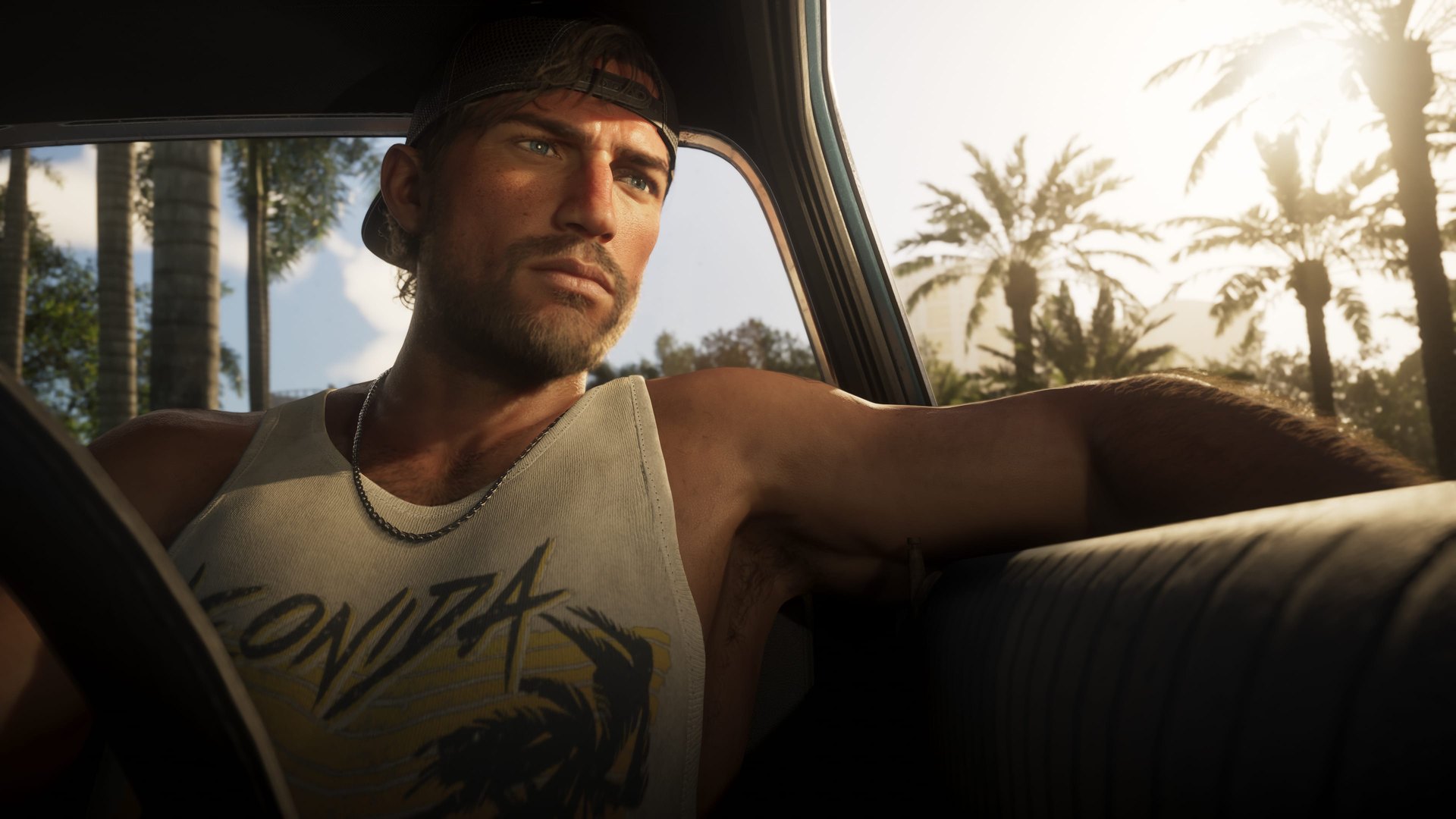
Here is the whole performance story, in Rockstar's own words from the November 10, 2026 Newswire post. Rockstar says the game was "fully developed from the ground up" for the current console generation, "targeting 30 frames per second" while pushing both platforms "to their absolute limits" to bring Leonida to life, "while maintaining the density and visual fidelity of all its environments and inhabitants". Two words in that sentence carry the meaning. The first is targeting: a target is the frame rate the game aims to hold, not a promise that every single frame in every scene lands perfectly. The second pair is density and fidelity: Rockstar is telling you, in its own words, what the frame rate was spent on. Crowds, traffic, detail.
The same post covers PlayStation 5 directly: high-fidelity haptic feedback on DualSense controllers, adjustable in the accessibility settings; spatial audio built for Tempest 3D Audio; and improved load times. It then covers the Pro, in one sentence this guide will return to below, and the cloud version: the game "will also be available via Xbox Cloud Gaming on Xbox Series X|S and Xbox One consoles, utilizing Xbox Series S graphics settings", with Rockstar's own caveat that, as with all cloud streaming, connection speeds and other technical factors may influence performance in ways that would not affect local play. That is the complete announcement. Anything beyond it, from anyone this week, is commentary, including the frame-rate arguments dominating video sites right now.
What frames per second means, in plain words
A game on your screen is not really moving. It is a rapid sequence of still pictures, and frames per second (FPS) is simply how many of those pictures the console draws every second. At 30 FPS, a new picture arrives every 33 milliseconds or so. At 60 FPS, one arrives every 16 to 17 milliseconds. The higher the number, the smoother motion looks and the faster the game reacts to your controller, because the gap between your input and the next new picture is smaller.
Every picture has to be built before it can be shown, and building one is a budget. In the time available for a single frame, the console draws the world, the lighting, the shadows, the traffic, the crowds and the weather. A denser, more detailed world costs more of that budget per picture. A developer choosing 30 FPS is choosing to spend roughly twice as much time building each picture as a developer choosing 60, and what that time buys is the density and fidelity Rockstar's sentence points at. That is the trade at the heart of this announcement, and it is a real trade in both directions: 60 FPS genuinely feels smoother and more responsive, and a world built at 30 genuinely can hold more life per frame. Reasonable players disagree about which matters more. What is not in dispute is what Rockstar chose, because Rockstar printed it.
One more distinction that cuts through most of this week's argument. A target of 30 is not the same as a locked 30, and neither is the same as "30 or below, all the time". Nobody outside Rockstar has played the release build on retail consoles yet, so nobody can honestly tell you today how steady the frame rate is in the busiest street in Vice City at rush hour. That measurement belongs to launch week, and this page will carry it when it can be checked properly, in the launch section below.
What the PS5 Pro actually adds
Rockstar's Pro sentence, in full, is this: "The PlayStation 5 Pro offers breathtaking visuals, with improved clarity through PlayStation Spectral Super Resolution (PSSR) and ray-traced shadows only available on PlayStation 5 Pro." That is the entire announced Pro list. Two extras, both about picture quality, neither about frames.
PSSR, explained plainly: rendering a picture at full 4K resolution is expensive. PSSR is Sony's machine-learning upscaler. The console renders the game at a lower internal resolution, which is cheaper, and PSSR reconstructs a sharper, clearer picture from it for your 4K screen. The visible result is a cleaner image than the raw render would give you, bought at a fraction of the cost of drawing every pixel natively. Ray-traced shadows, also plainly: most games fake shadows with pre-drawn maps. Ray tracing works out where light actually falls, object by object, so shadows land in the right places with the right softness. Rockstar says that treatment, for shadows, exists only on the Pro.
So be precise about what a Pro buys you in GTA VI, based on the announcement: the same 30 FPS target as a standard PS5, with a clearer picture and better shadows. Rockstar gave the Pro no separate frame-rate target, no resolution figure, and no extra mode. If a retailer, a video, or a forum post tells you the Pro version runs at 60, they are adding something Rockstar did not say.
Series S, Xbox One, and the cloud version
The Xbox Series S is the smaller, cheaper Series console, and Rockstar's post gives it a specific role: the cloud version of GTA VI uses Series S graphics settings. That one fact tells Series S owners two honest things. First, your console plays the game natively, like the others, at the same announced 30 FPS target. Second, when Rockstar needed one settings profile to stream to everything, it chose the Series S profile, which is the natural reading of where the game's settings floor sits.
The cloud version matters most to a different group: Xbox One owners. There is no Xbox One version of GTA VI to install, and no PS4 version either. But through Xbox Cloud Gaming, an Xbox One can stream the game, running at Series S settings on a remote Series console. Rockstar's caveat applies in full here: a streamed game's feel depends on your connection in ways local play does not, so a weak connection means a softer picture and more input delay, whatever the frame-rate target says. PlayStation and Xbox also both fully support Remote Play, which streams your own console to another screen in or out of the house. Like the cloud version, Remote Play is a way to play, not a performance mode, and Rockstar does not present it as one.
What has not been announced
Not announced, as of November 11, 2026
No 60 FPS mode, on any console. No 40 FPS mode. No performance or fidelity toggle to choose between them. No resolution figure for any console, Pro included. No promise that a future patch will add any of these. Claims circulating this week about a hidden 40 FPS option or a Pro performance mode are rumors, not announcements, and this page will only move them into the announced column if Rockstar does.
This section exists because the absence is the news for a lot of players. Many recent games ship with a choice: a fidelity mode that looks its best at 30, and a performance mode that targets 60 with a softer picture. GTA VI, as announced, offers no such choice. There is one version of the game per console, tuned the way Rockstar described. If that changes, through a day-one patch or a later update, the change will be announced by Rockstar or visible in the game's own menus at launch, and the next section is where it will be recorded.
From launch day: the settings hub
Opens November 19
On launch day this section becomes the game's settings hub: every graphics and display option in the real menus, what each one does in plain words, and what the day-one patch changes about performance, all checked against the game itself. Until the game is out, there are no in-game settings anyone can honestly list, so this section stays a stub on purpose. Nothing here is pre-filled from other games, because GTA VI's menus are its own.
While you wait, the one performance job that is yours, not Rockstar's, is your television. Most TVs add processing to the picture that delays it, and almost all of them have a Game Mode that switches that processing off. It costs nothing and it is the single biggest feel improvement most players can make before launch. The steps are general advice for any game, not GTA VI facts:
Steps done:
Turn on your TV's Game Mode for the console's input
Find the picture settings for the HDMI input your console uses and set its mode to Game (the name varies: Game, Gaming, or a low-latency toggle). This switches off the TV processing that adds delay between your controller and the screen.
Plug the console into the TV directly, if you can
A soundbar or receiver between the console and the TV can add its own delay. If your picture chain has one, Game Mode on the TV matters even more, and a direct connection removes one link from the chain.
Let the TV install any pending firmware update
TV updates occasionally improve game-mode latency and HDMI handshakes. Installing one now beats watching an update prompt on launch night.
Performance questions
No mode like that has been announced. Rockstar's November 10, 2026 post targets 30 frames per second on the current console generation, and the Pro's announced extras are PSSR clarity and ray-traced shadows. Rockstar gave the Pro no separate frame-rate target.
Rockstar has not published a resolution figure for any console. Any specific number you see this week, for the standard consoles or the Pro, did not come from Rockstar and should be treated as unconfirmed until it can be measured on the released game.
Nobody knows, and Rockstar has promised nothing either way. It has happened for other games and it has not happened for others. This page tracks announcements, not hopes: if Rockstar announces a mode, it will be recorded here and on the Verified Today board the same day.
There is no installable Xbox One or PS4 version. Xbox One owners can play through Xbox Cloud Gaming, which streams the game at Xbox Series S graphics settings, per Rockstar's November 10 post. PlayStation has announced no equivalent streaming route for PS4.
That argument is opinion, and this page deals in the announced facts: the same 30 FPS target covers Series S, and its graphics settings are the ones the cloud version uses. How the versions compare visually is a launch-week measurement, and it will be covered in the settings section above once the game can be checked directly.
Sources
- Rockstar Games Newswire, "Pre-Load Grand Theft Auto VI Now", November 10, 2026: rockstargames.com/newswire. The official source for the 30 FPS target, the PS5 Pro PSSR and ray-traced shadows extras, the DualSense, Tempest 3D Audio and load-time notes, the Xbox Cloud Gaming and Series S settings statement, and Remote Play support.
- Rockstar Games, official GTA VI page: rockstargames.com/VI
Everything in the announced column on this page traces to Rockstar's November 10 post. Where this guide explains a term (FPS, PSSR, ray tracing, Game Mode), the explanation is general knowledge, written in plain words, and it adds no GTA VI facts of its own.
Related guides
Launch Hub
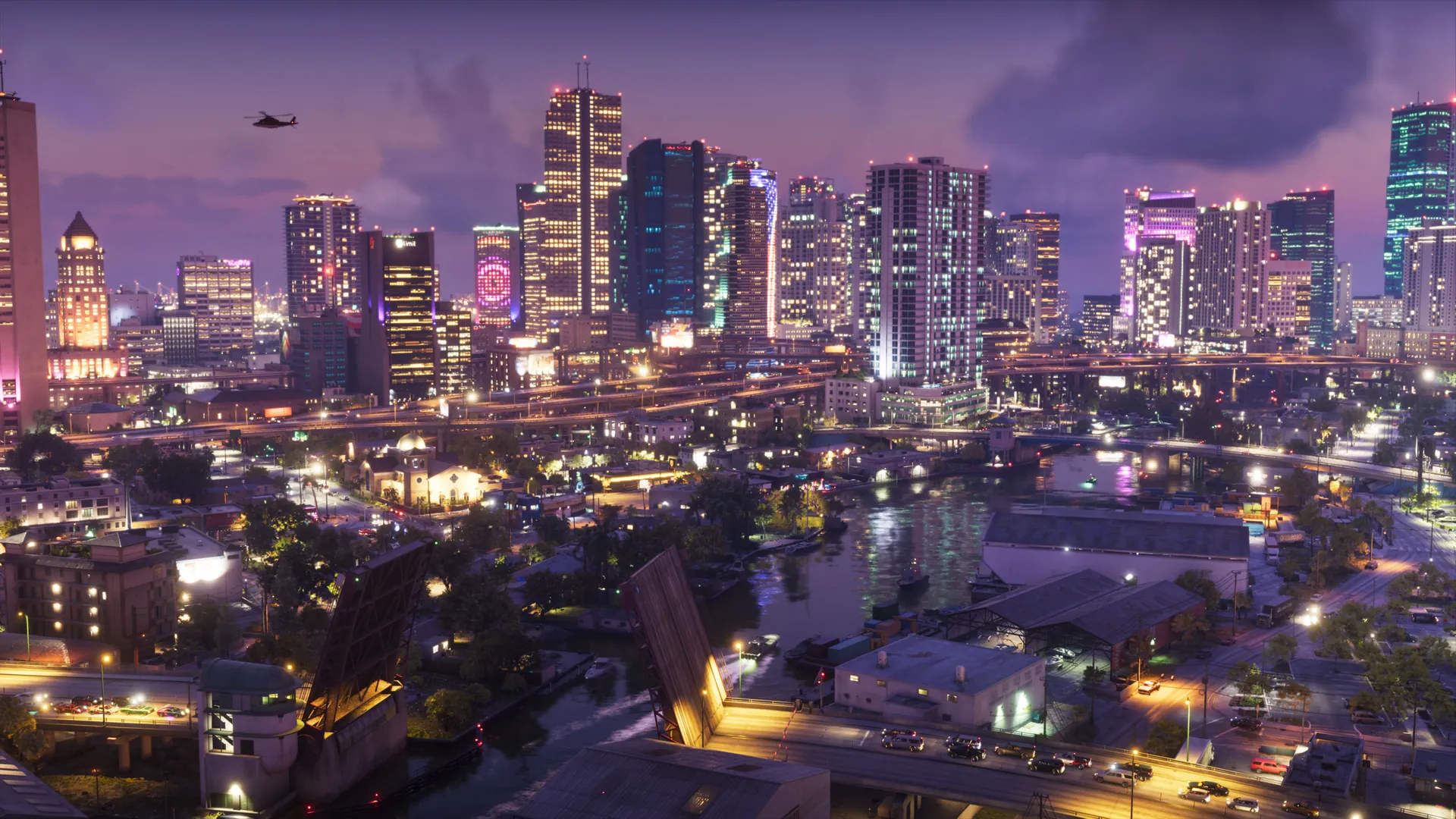
Everything confirmed about launch day, the setting, and the places of Leonida.
Read the guide →